


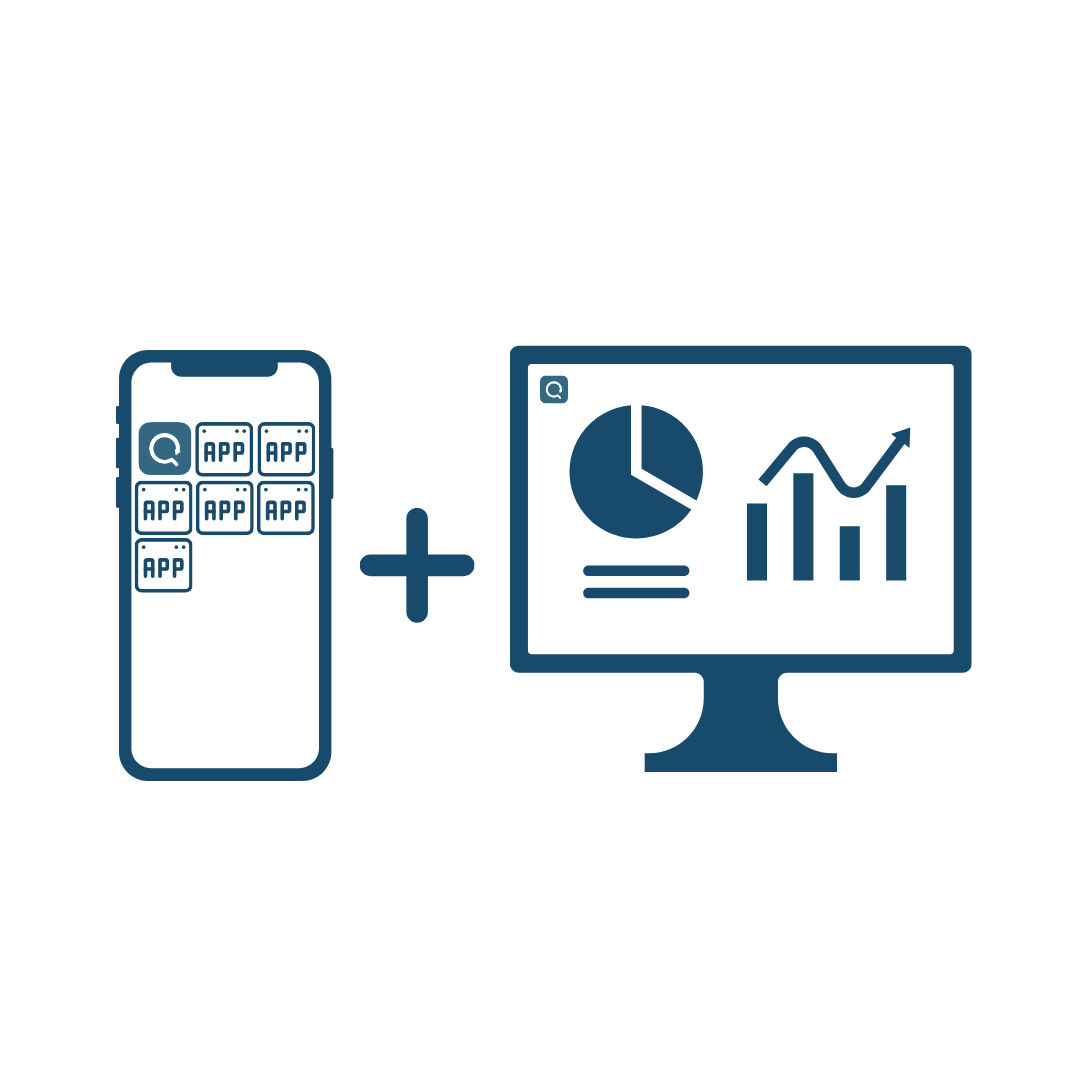
Use the tools you need
QReport has collected all the tools/functionalities you need to help you make your job easier.
You can simply select which tools fit your specific requirements.

Camera
Add or attach photos to your registration for your report. Draw on them to highlight important details.

Comment
Write or dictate important and specific comments during the registration

Calculator
Automated calculations, complex or simple

Checkbox
Ease the typing task, by using predefined response options.

Smiley
Use up to 6 smileys to make assessments. Choose less if you want.

Radio buttons
Predefine responses. Choose to select one or multiple responses.

Branch
Make logical choices and only display relevant data collection point.

Dropdown menu
Create sections, highlight text and more.
In report

Number
Make sure that only numbers are inserted

Files
Show important documents, which are needed during a registration or uploading documents

Scanner
Scan many different types of barcodes including QR-code, which potentially determine the next step in the registration

Dictaphone
Record sound. Use this instead of writing, or document a mecanical sound.

Date
Quickly choose a date during a registration

Counter
Register a number quickly with a single click.

Section
Headers between the components. Make the registration more manageable

List
Fill out the same components multiple times. Fleksible when you are not 100% sure what is waiting
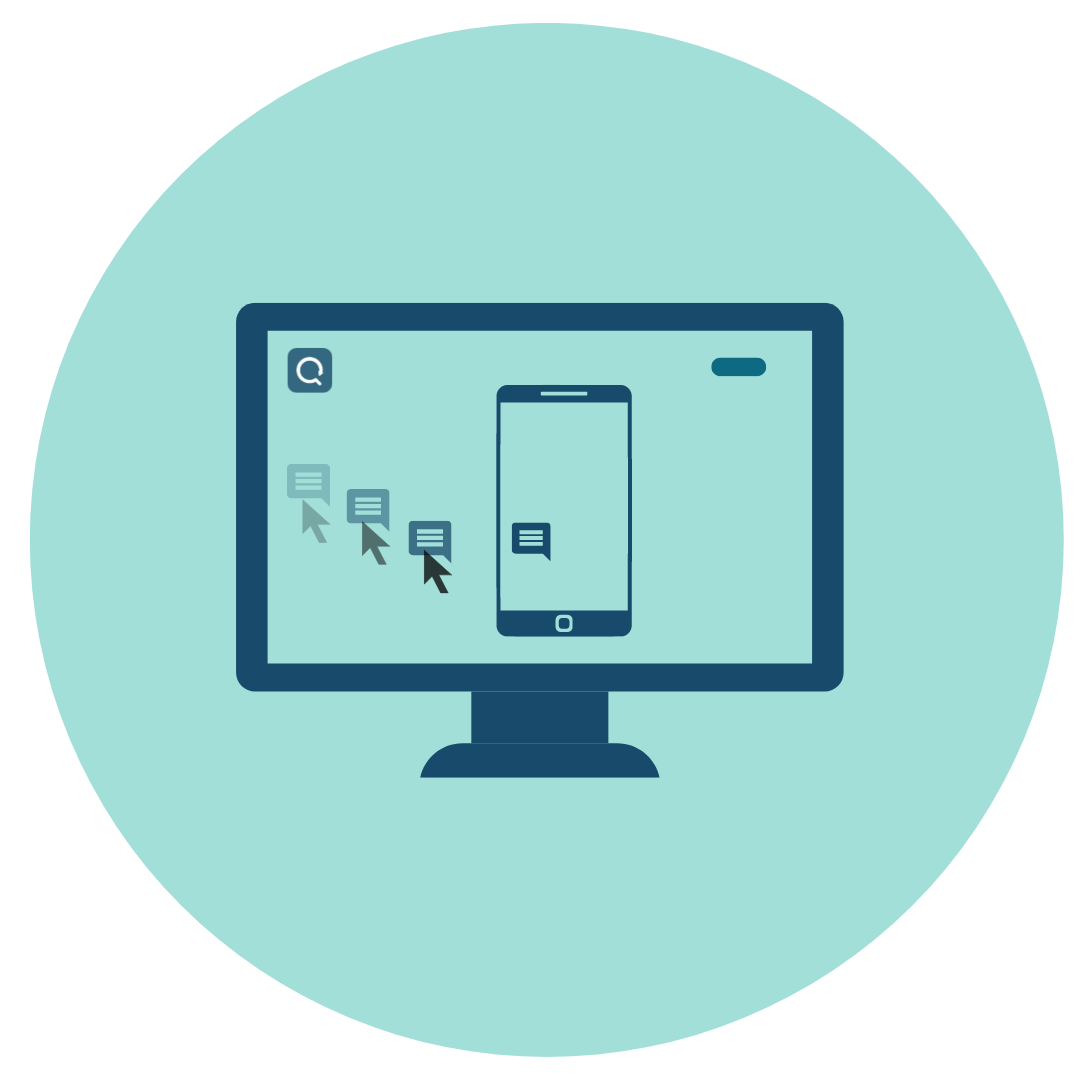
Drag and drop
QReport is a "No code" software solution, which means you don't need any advanced IT skills to create app templates.
We have made the software as drag and drop tiles to make the process of design and subsequently data registration and reporting easier.
Using a variation of tools you can customize the templates to match your needs. The templates can be used over and over again and will be the base of your data collection. You can have as many templates for different purposes as you want.
Offline functionality
QReport is tailored to deliver a smooth and effortless user experience, even when there is no internet connection available. You don't have to wait for pages to load, worry about lags, or lost data – everything works smoothly and quickly, no matter where you are.


Integration
For customers requiring integration with other systems/solutions, QReport has a restful API that has so far managed to work with every solution, we have thrown at it. If integration with your ERP, CRM, Digital Contract solution, permission management (Single Sign-On) or other solutions - or simply a SharePoint, OneDrive or Azure - is required, we are up for the challenge! Typically, these types of integration are subscription-based to keep the uncertainty regarding the costs involved minimal for our customers.
Miracle Q-Inspect A/S
Ask us any time:
info@q-inspect.com
Call us for direct support:
+45 51 44 30 44
Privacy policy
Terms and conditions
Follow us:

Download QReport:


Our location:
Miracle Q-Inspect A/S
Søndergade 8, 2nd floor left
DK-8000 Aarhus C
Denmark